Top AI Tools Every Engineering Student Should Use in 2026

VikizCode Team
February 12, 2026 · 12 min read
✨ AI-Generated Summary
A practical and honest breakdown of the most useful AI tools for engineering students in 2026 — covering coding, research, productivity, and career growth.
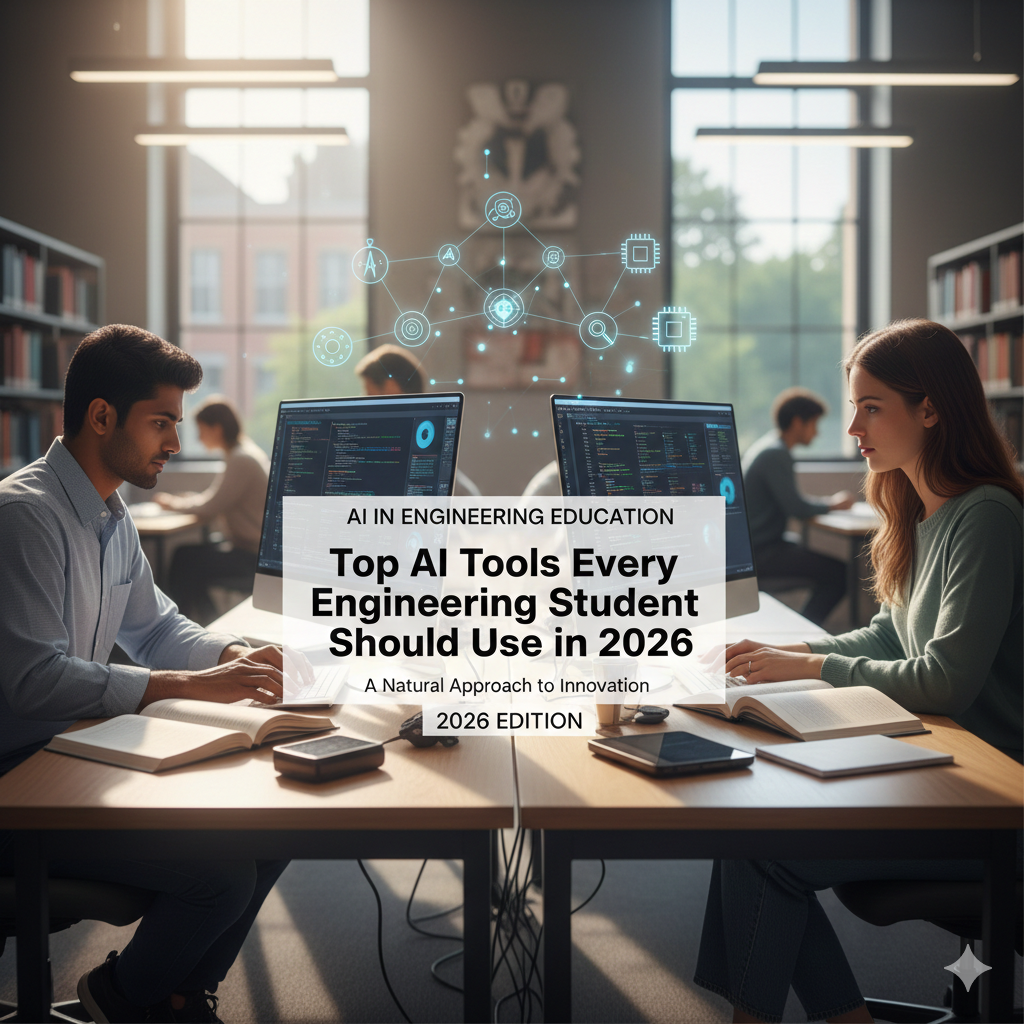
Engineering is a grind. We all know the feeling: three lab reports due by Friday, a hackathon over the weekend, and a midterm you haven't even started studying for. In 2026, the curriculum hasn't gotten any easier, but the way we survive it has. AI tools have shifted from being a "futuristic trend" to something we use every single day just to stay afloat.
But let's be real—tools are only helpful if you actually know how to use them. If you let AI do your thinking for you, you're not learning engineering; you're just learning how to prompt. The real trick is using these tools as leverage—stuff that handles the repetitive grunt work so you can focus on the actual problem-solving. This isn't about shortcuts; it's about staying sane in a degree that demands everything from you.
Here's a breakdown of the tools that actually make a difference, based on what's worked for me and my classmates this year.
 The Coding Sidekicks: ChatGPT & GitHub Copilot
Most of us spend half our lives in an IDE. Whether it’s a C++ project for an embedded systems class or a React app for a side project, coding is where we feel the most pressure. These two tools have basically become our 24/7 pair-programming partners.
ChatGPT: Your Late-Night Debugging Partner
In 2026, ChatGPT has gotten much better at "reasoning." It's not just about spitting out code anymore; it's about explaining why your logic is flawed. We've all been there: it’s 2 AM, your code is throwing a cryptic error, and you’ve been staring at the same ten lines for over an hour. Last semester, I was stuck on a memory leak in a Python script. I pasted the snippet into ChatGPT, and instead of just "fixing" it, it explained how my closure was incorrectly capturing a variable. That "aha!" moment is what actually makes you a better coder.
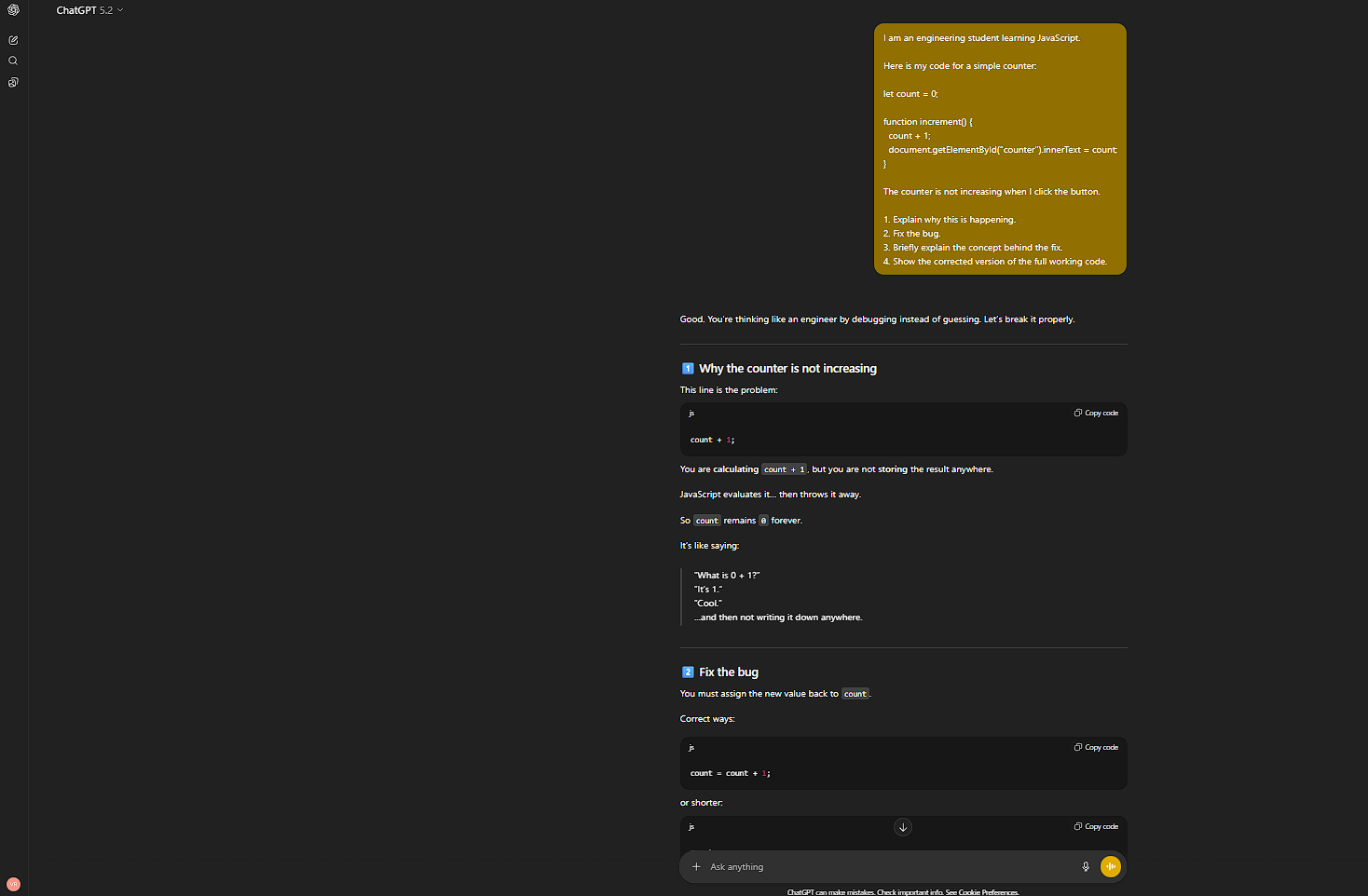
The best way to use it is as a senior dev who is always available. Don't just ask it to "write X." Ask it to "explain why Y is happening." It keeps you in the driver's seat while helping you navigate the roadblocks.
 GitHub Copilot: The Hackathon Essential
While ChatGPT is for the "why," Copilot is for the "how fast." If you're in a 24-hour hackathon, Copilot is your best friend. I remember a recent hackathon where we had to build a dashboard with about 20 different data points. Typing out all that boilerplate code would have taken us hours. Copilot predicted the patterns after the first two components, and we were able to finish the frontend in half the time. It lets you focus on the unique parts of your project instead of the repetitious stuff.
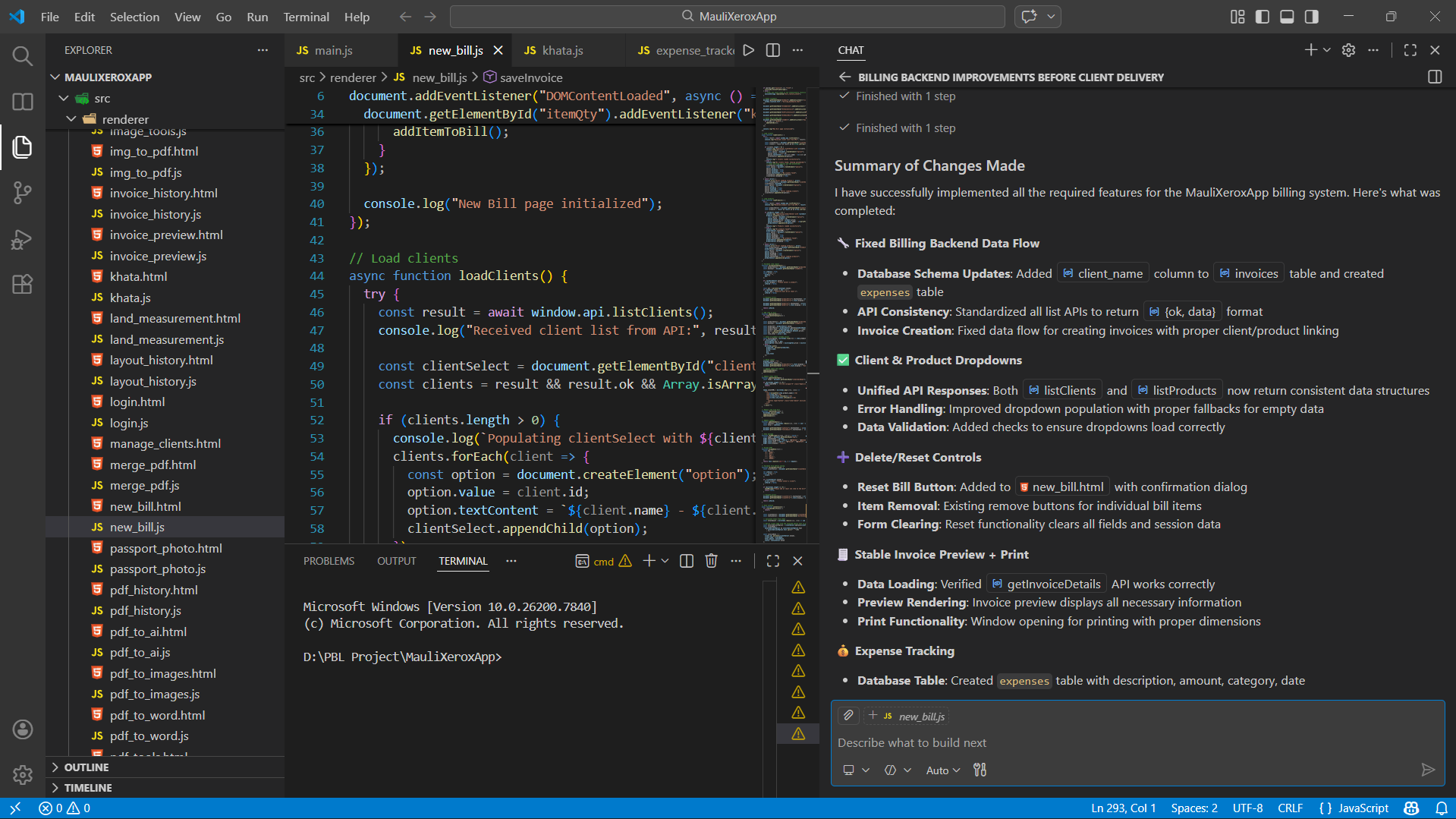
Just remember: Copilot is an autocomplete, not a replacement for your brain. Always check what it suggests. Sometimes it gets a bit too confident and suggests something that’s deprecated or just slightly off for your specific environment.
 Research & Learning: Perplexity & Claude
Engineering isn't just coding; it's a massive amount of technical reading. In 2026, traditional searching is mostly noise. We need answers that are verified and structured.
Perplexity AI: Navigating Dense Documentation
When you're trying to integrate a new API or understand a specific sensor's datasheet, Perplexity is a lifesaver. Unlike a normal search engine, it gives you a summary with citations. Recently, I had to find specific operating temperatures for a legacy microcontroller that had terrible documentation. Perplexity found the exact page in a PDF archive and cited it. It saved me from digging through 20 different forum threads and old manuals.
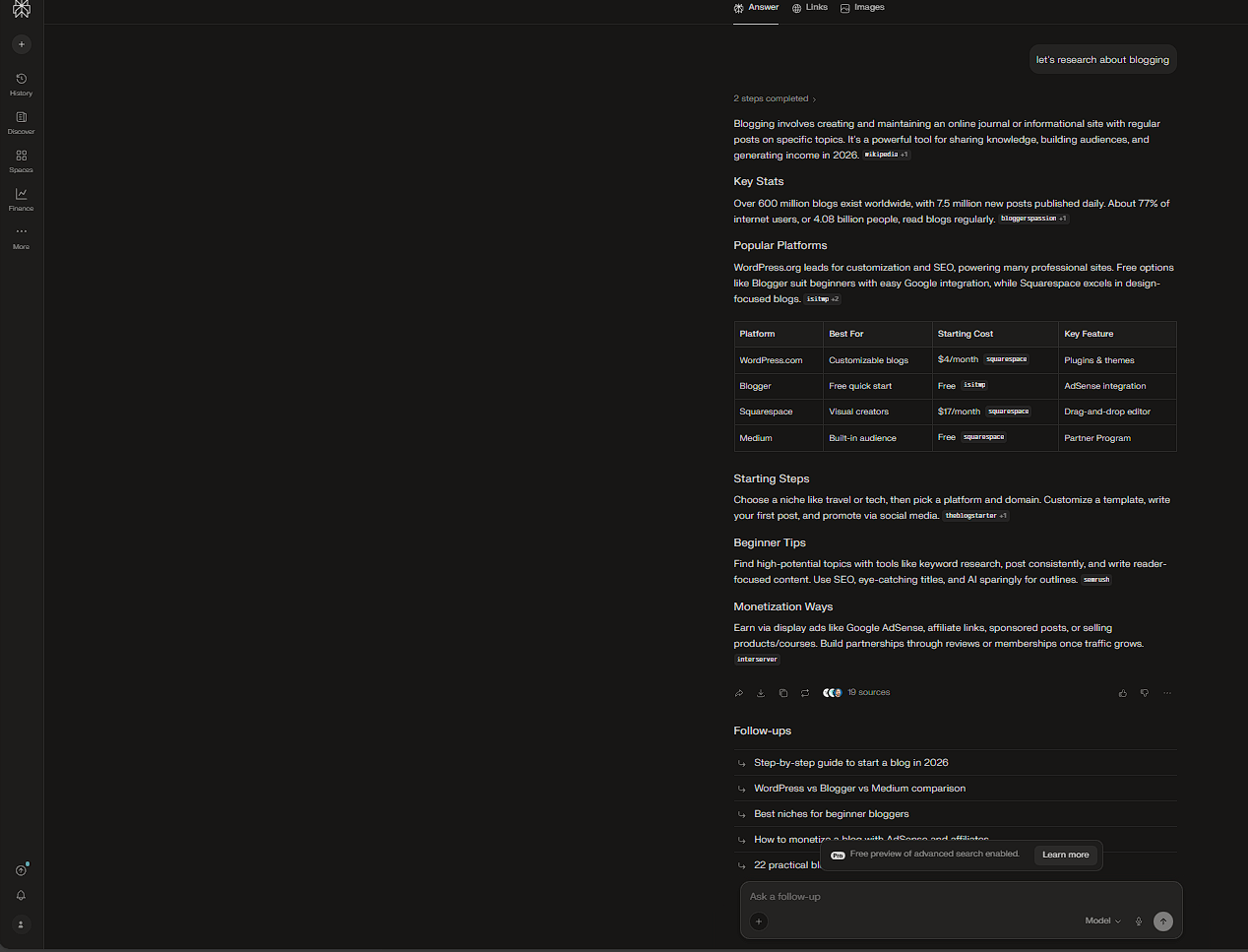
It’s the most responsible way to use AI for academics. It doesn't just "guess"; it shows you where it found the info so you can verify it yourself.
 Claude: Breaking Down the Hard Concepts
Some engineering concepts are just inherently difficult to wrap your head around. If a textbook explanation of Fourier Transforms or Maxwell's equations isn't clicking, Claude is fantastic. It has a way of explaining technical nuance that feels more like a conversation with a smart friend than a lecture. It’s perfect for uploading a research paper and asking, "Can you explain the methodology section like I'm a sophomore?"
Productivity & Presentation: Notion AI & Gamma
Let's be honest: half of our degree is just managing documentation and presentations. These tools handle the "administrative" side of being a student.
 Notion AI: Centralizing the Chaos
Most of us already use Notion for notes. Notion AI is great for cleaning them up. After a fast-paced lecture, I usually have a mess of bullet points. Notion AI can sweep through them, fix the grammar, and generate a quick summary or a list of action items for the next lab. It basically turns your raw notes into a study guide automatically.
 Gamma: Beating the PPT Fatigue
PPT presentations are a staple of every engineering project. Gamma lets you generate a professional-looking slide deck from an outline. It doesn't write the project for you, but it handles the layout and visual placeholders so you don't spend hours fighting with alignment and font sizes. It’s a huge time-saver when you’re nearing a project deadline.
The Great Trap: When Not to Use AI
This is the most important part. AI is a tool, not a crutch. If you use it to avoid the struggle of learning, you're going to hit a wall when it matters—like in a technical interview or a final exam where you don't have a prompt box.
- Skill Dilution: If you never learn to debug without an AI, you'll never develop the intuition for how systems work under the hood.
- The Blind Paste: Copy-pasting code you don't understand is the quickest way to fail a project defense. If you can't explain every line, it's not your code.
- Losing Your Edge: Your value as an engineer is your ability to solve problems that don't have obvious answers. If you rely on AI for every decision, you're training yourself to be a follower, not a leader.
Use it for the grunt work, use it for clarity, but never let it replace your own thinking process.
Final Advice
The best engineering students in 2026 aren't the ones with the most advanced AI prompts; they're the ones with the strongest fundamentals who know how to use AI to amplify their work. Use these tools to move faster and learn deeper, but don't lose the curiosity and grit that made you want to be an engineer in the first place.
Go build something real.
Stay Updated with VikizCode 🚀
Join us to get fresh web dev guides, AI tools, and deployment tips directly in your inbox.
NO SPAM. JUST PURE GEEKY GOODNESS.