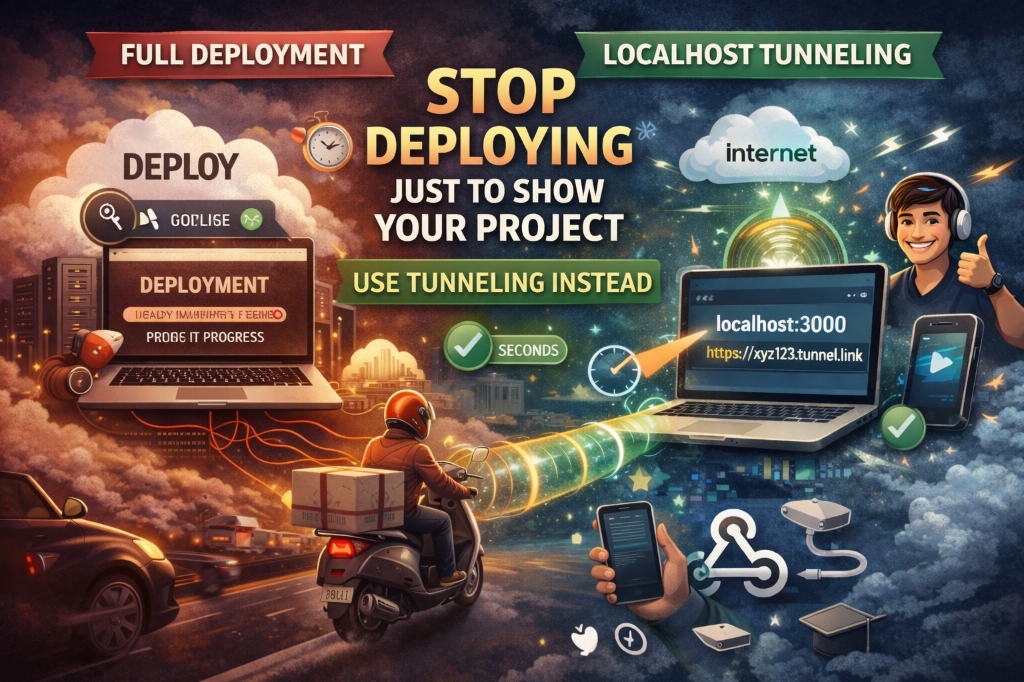
Deploy Your Project for FREE: Best Hosting & Deployment Options Every Student Should Know

VikizCode Team
February 19, 2026 · 8 min read
✨ AI-Generated Summary
A practical, student-friendly guide to the best free hosting and deployment platforms in 2026 — from Netlify and Vercel to Railway and Render.

You’ve spent three sleepless nights, survived on energy drinks, and finally, your React app is running perfectly on localhost:3000. It’s beautiful. You show it to your roommate, and they say, "Cool! Send me the link."
Suddenly, you freeze. There is no link. It’s trapped on your laptop. You think about hosting, but then you see "Pricing: $20/month" and you close the tab.
Stop. In 2026, if you’re paying to host a student project, you’re either building the next Facebook or you’re doing it wrong. Let’s get that project live for ₹0.
Why Deployment Matters (More Than You Think)
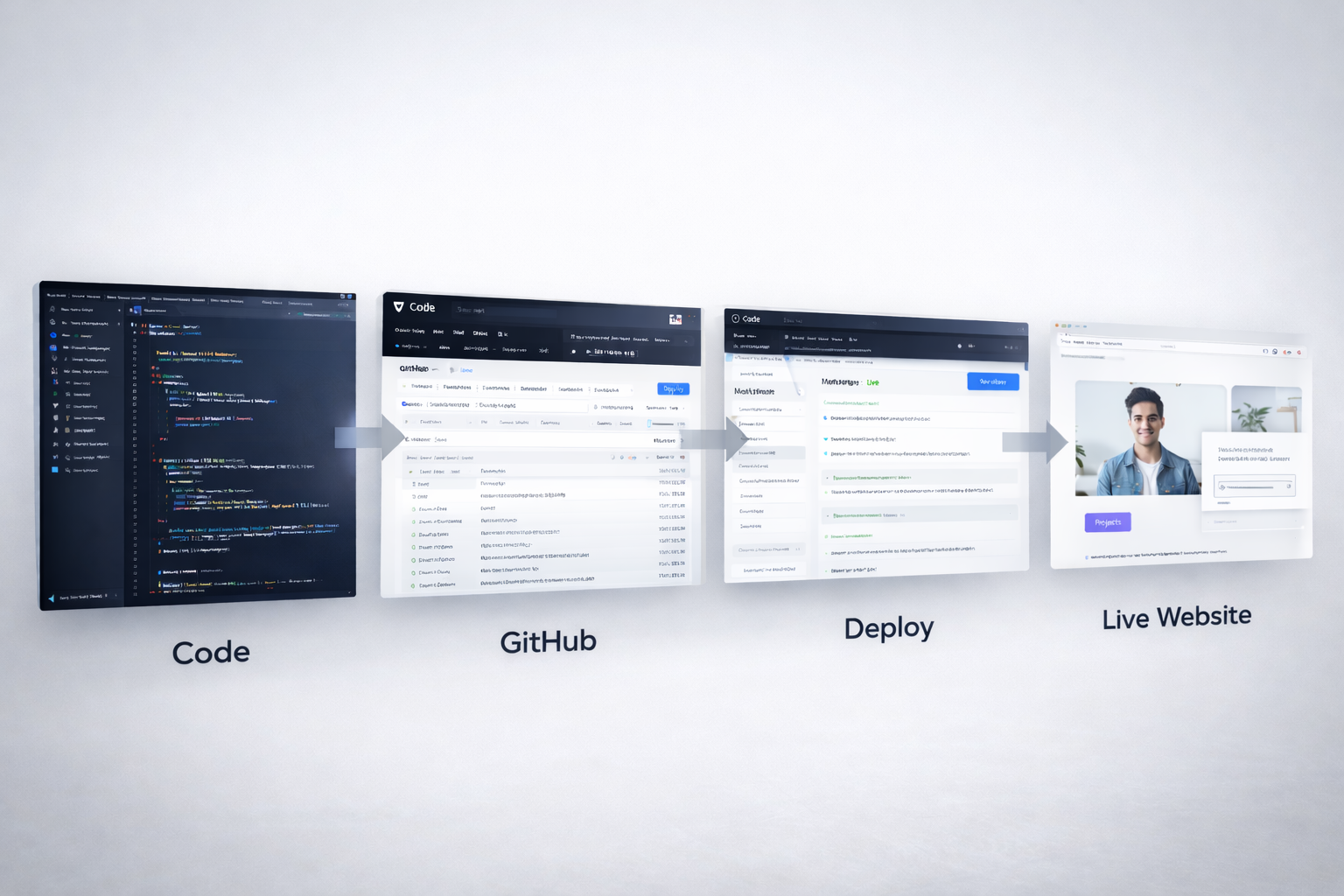
Building a project is 50% of the work. Deploying it is the other 100% (yes, the math is intentional).
- The "Proof of Work" Rule: Nobody downloads your code from GitHub and runs
npm installjust to see your work. They want a link. A live URL in your resume is the difference between "I know React" and "I built this." - Confidence Boost: Seeing
your-project.vercel.applive on the internet hits different. It makes you feel like a real developer. - Real-World Testing: Bugs happen in production that never show up on localhost. Learning to fix them is where you actually grow.
Free Hosting & Deployment Platforms
 Netlify (Frontend Hosting)
- Best Use Case: Static sites, landing pages, and simple React/Vue apps.
- Why Students Love It: You can literally drag and drop a folder into their website to deploy. It’s the fastest way to go from "folder" to "link."
- Practical Jugaad Tip: Netlify Forms. If you need a contact form but don't want to build a backend, just add
data-netlify="true"to your HTML form tag. Netlify handles the rest.
 Vercel (React / Next.js)
- Best Use Case: Next.js, React, and high-performance frontends.
- Why Students Love It: Since they built Next.js, the integration is flawless. Every time you push code to GitHub, it auto-deploys a preview link for you.
- Practical Jugaad Tip: Hobby Tier Power. You can host almost unlimited personal projects for free. It’s the ultimate portfolio machine.
 Railway (Backend & Databases)
- Best Use Case: Full-stack apps, Node.js APIs, and Databases (Postgres, Redis).
- Why Students Love It: It’s the most "human-friendly" cloud platform. No complex AWS dashboards. Just point to your repo and it works.
- Practical Jugaad Tip: One-Click DBs. You can spin up a Postgres database in 30 seconds for your hackathon project. No configuration required.
 Render (APIs & Services)
- Best Use Case: Python/Flask APIs, background workers, and persistent services.
- Why Students Love It: It covers the gaps where Netlify can't go—like running a Python script or a Docker container on a free tier.
- Practical Jugaad Tip: The Ping Habit. Render free tier "sleeps" after inactivity. Use a free cron service to ping your API every 14 minutes to keep it responsive for recruiters.
 GitHub Pages (Static Sites)
- Best Use Case: Documentation, personal portfolios, and pure HTML/CSS/JS.
- Why Students Love It: It’s zero setup. If your code is on GitHub (which it should be), you’re one click away from hosting.
- Practical Jugaad Tip: JSON Hosting. Host a simple
data.jsonfile here if you need a "static API" for your frontend without setting up a real database.
Common Deployment Mistakes Students Make

- Hardcoding Secrets: Never put your API keys in your code. Use environment variables.
- Missing README: A live site with a broken GitHub README is a bad look. Explain what you built!
- Wait for Perfection: Don't wait until it's finished to deploy. Deploy on Day 1 and iterate.
Recommended Simple Deployment Stack for Students
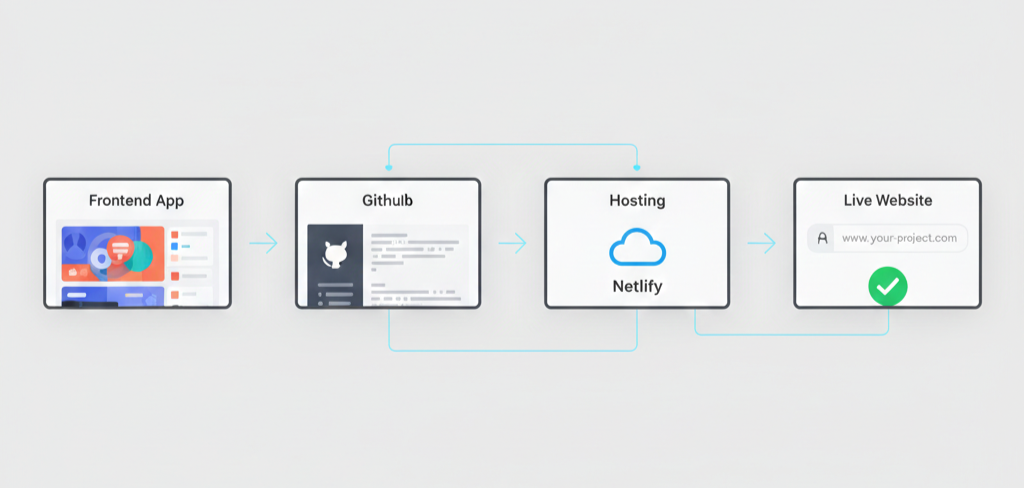
For a 2026-standard web project, go with:
- Frontend: Next.js (hosted on Vercel)
- Database: PostgreSQL (hosted on Railway)
- Storage: Cloudinary (Free tier)
Final Advice
The difference between a "student" and a "developer" is a URL. Don't worry if your code is messy or the UI is basic. The tech industry values people who can actually ship things.
Put your project on the internet today. If it breaks, fix it. If it looks bad, tweak it. But whatever you do, don't let it gather digital dust on your hard drive.
Go live. It's free. 🚀
Stay Updated with VikizCode 🚀
Join us to get fresh web dev guides, AI tools, and deployment tips directly in your inbox.
NO SPAM. JUST PURE GEEKY GOODNESS.