Stop Deploying Just to Show Your Project. Use This Instead.

VikizCode Team
March 2, 2026 · 6 min read
✨ AI-Generated Summary
Stop wasting time on full deployments for quick demos. Learn how localhost tunneling gives you a public URL in seconds for hackathons, viva, and mobile testing.
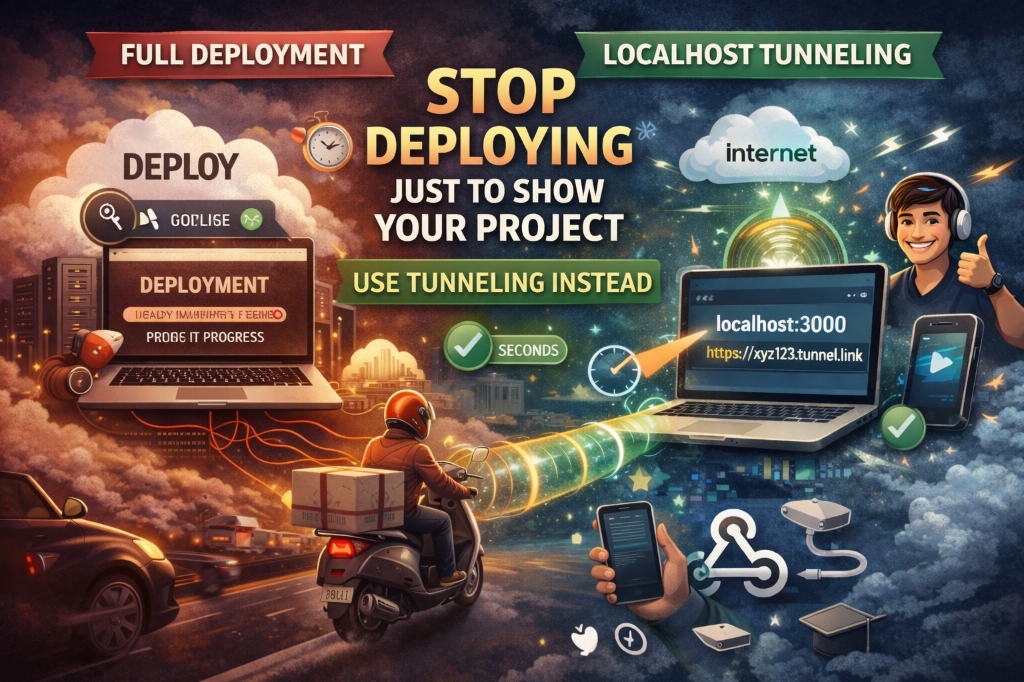
You just finished a killer feature on your project. It’s running perfectly on localhost:3000. A teammate asks for a link to see it, or you need to show it in a college viva. Your first instinct? "Let me quickly deploy it to Vercel/Netlify."
Wait. Stop right there. You’re overcomplicating things.
The Problem with "Panic Deploying"
Most students and beginners treat deployment as the only way to share their work. They end up:
- Wasting time: Waiting for build pipelines to finish for a 2-minute demo.
- Hitting limits: Triggering unnecessary builds on free tiers.
- Overcomplicating workflow: Dealing with environment variables and build errors just to show a UI change.
⚠️ The "Demo Trap"
Deploying a half-finished project just to show a bug to a friend often leads to "It works on my machine but not on Vercel" — a headache you don't need mid-coding session.
Deployment is for production. For demos, you need tunneling.
Comparison: Deployment vs. Tunneling
| Feature | Traditional Deployment | Localhost Tunneling |
|---|---|---|
| Speed | 2-5 Minutes (Build/Sync) | Instant (1 Command) |
| Best For | Permanent Portfolio / Live Users | Demos / Mobile Testing / Webhooks |
| Complexity | Medium (Env vars, Git, Build) | Zero (Just your port) |
| Permanence | Permanent URL | Temporary (Shutdown on exit) |
The Solution: Localhost Tunneling
In simple terms, localhost tunneling is a way to create a secure, temporary "tunnel" from the internet directly to your local machine. It gives you a public URL (like https://xyz-123.locallabel.com) that points straight to your localhost.
💡 Pro Tip: Zero Config
Tunneling doesn't require you to change a single line of code. It just "picks up" whatever is running on your specified port and broadcasts it.
Note: This is NOT hosting. The moment you stop the tunnel or close your laptop, the link dies. It's meant for live demos and testing, not for your permanent portfolio.
Real Use Cases for Students
Why should you care? Because it saves your life in these scenarios:
- Hackathon Demos: Share your progress with mentors in seconds without worrying about build failures.
- College Viva: Show your project on the examiner's machine without installing anything.
- Mobile Testing: Open the tunnel URL on your phone to see how your site looks on a real device.
- Webhooks: Testing Stripe, Razorpay, or GitHub webhooks? You need a public URL to receive those events locally.
Quick Setup: Start Tunneling in 60 Seconds
Here are the 3 best tools to get this done. Pick one and go.
1. Localtunnel (Fastest & No Signup)
The simplest tool for quick sharing. No accounts, no configs.
npx localtunnel --port 3000URL: Generates a random .loca.lt link immediately.
2. Ngrok (The Industry Standard)
Extremely reliable and feature-rich. Requires a free account and an auth token.
ngrok http 3000URL: Generates a random .ngrok-free.app link.
3. Cloudflare Tunnel (The Secure Choice)
Great if you want a reliable connection backed by Cloudflare's network.
npx cloudflared tunnel --url http://localhost:3000URL: Generates a .trycloudflare.com link.
Important Security Notes
Since you are opening a door to your computer, follow these rules:
- Never expose admin routes: Ensure your
/adminor/configroutes are protected. - Don't leave it running: Stop the tunnel (Ctrl+C) as soon as the demo is over.
- No Production: Never use a tunnel for your main website. It’s slow and insecure for long-term use.
Final Takeaway
Smart developers use their tools efficiently. Deployment is for the world to see your finished work. Tunneling is for the "now" — the demo, the test, and the quick feedback loop.
Stop deploying just to show off. Start tunneling and move faster.
Stay Updated with VikizCode 🚀
Join us to get fresh web dev guides, AI tools, and deployment tips directly in your inbox.
NO SPAM. JUST PURE GEEKY GOODNESS.