How to Learn Web Development Without Quitting (Beginner’s Survival Guide)

VikizCode Team
February 12, 2026 · 10 min read
✨ AI-Generated Summary
A practical survival guide for beginners who start learning web development but keep quitting. Focus on mindset, consistency, and real execution.
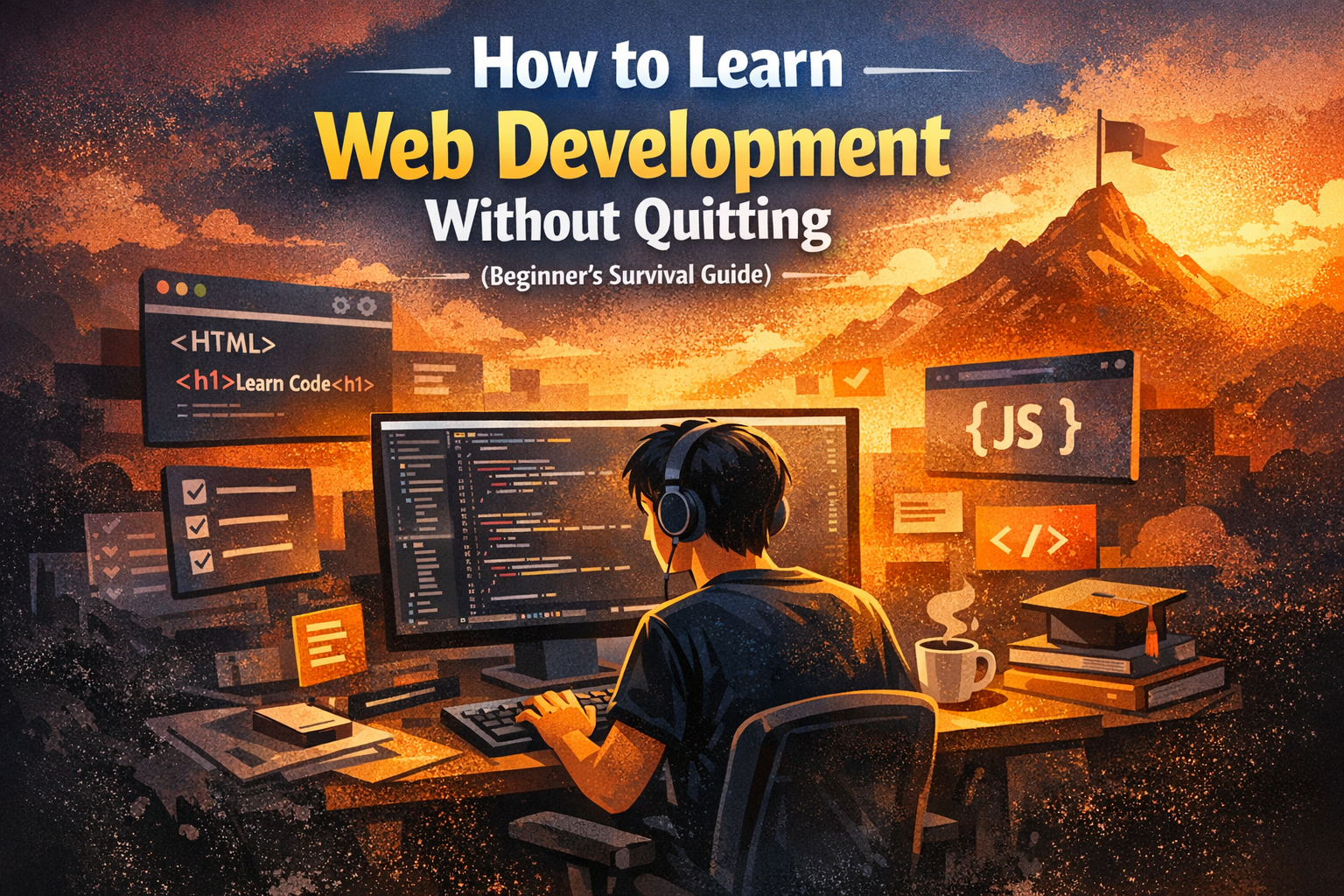
I know exactly where you’re at. You’re an engineering student. You’ve got the exams, the labs, and the constant pressure to "stay relevant." You decided two weeks ago that you were finally going to learn web development. You bought a course, signed up for a 100-day challenge, and felt like a god for about 48 hours.
Then it happened. You hit a CSS layout bug that didn’t make sense. You got bored of watching a 40-minute video on JavaScript closures. You missed three days because of a college submission, and now looking at your code feels like looking at a mountain you’re too tired to climb. So you quit. Again.
This is the cycle. Start excited, watch tutorials, get overwhelmed, quit, and restart months later with "the basics" because you forgot everything. It’s exhausting. But here’s the truth: success in web development isn't reserved for a specific type of brain. It’s more about having a survival strategy than raw talent. This is that guide.
Why Most People Quit Web Development
The path to becoming a developer is rarely a straight line. Most students quit for very predictable reasons, and if you can recognize these patterns, you can break them before they break your progress.
- The Paradox of Choice: There are too many resources. High-quality free courses, paid bootcamps, YouTube roadmaps. It’s easy to spend more time picking "the best" course than actually writing code.
- Lack of Structure: You’re attempting to learn React when you barely understand how a div works. It’s like trying to build a roof before the foundation is even dry.
- The Comparison Trap: You see someone on social media building complex apps in their first month and you feel behind. It’s important to remember that their highlight reel isn't your reality. Your journey is your own.
- Tutorial Addiction: This is a quiet progress-killer. You feel productive because you finished a 20-hour course, but the second you open a blank file, you realize you don't know where to start.
- The Burnout Cycle: You code for 10 hours on Sunday and don't touch it again for a week. This is where consistency dies.
Breaking the Tutorial Hell Cycle
Tutorial Hell is a comfortable place to be. You follow along, the instructor makes everything look easy, and you feel like you're learning. But real growth happens when you step away from the playback button.
To break this cycle, you have to embrace the minor frustration of not knowing. I remember sitting in my hostel room, staring at a broken navigation bar for three hours, wondering if I just wasn't "built" for this. I wasn't built for it; I was simply in the middle of learning it. The moment a tutorial ends is when the real work begins. Instead of moving to the next video, try to change one feature in the project you just built. Break it, then try to find your way back. That struggle is where the skill actually lives.
When you're coding along with a video, try to type every single character yourself. If you get an error, don't look at the source code immediately. Spend five minutes reading the terminal and searching for the error message. Being a developer is less about writing code and more about understanding why it’s currently broken. If you let the tutorial handle the debugging, you're missing out on the most valuable part of the experience.
Build Ugly Projects (This Is the Turning Point)
A common mistake is wanting your first project to look like a polished startup. That expectation can be paralyzing. Your first project should probably be ugly. It should have questionable spacing and logic that could be better. Aim for "it works" rather than "it's perfect."
Why? Because momentum is more important than aesthetics when you're starting out. Building simple, functional things teaches you the core fundamentals: how to handle state, how to process data, and how to manage user input. I still have a folder of my earliest projects that look terrible, but they were the foundation for everything I know now.
Once you’ve built a few things that work, you’ll naturally find yourself wanting to make them look better. That’s the right time to dive deep into CSS Grid, Flexbox, or complex animations. Don't worry about the polish until the engine is running. Keep it simple and keep moving.
The 30-Day No-Quit Rule
Consistency usually beats intensity over the long run. Motivation is enough to get you to buy a course, but habit is what gets you through the difficult sections when you’d rather be doing anything else.
Commit to a 30-Day No-Quit Rule. For the next 30 days, try to code for at least 30 minutes. That’s it. Some days you’ll find a flow and go for hours. Other days, when you’re overwhelmed with college submissions, you’ll just spend 20 minutes making small CSS changes. The key isn't how long you spend; it's that you don't break the chain. If you can make it to Day 30 without skipping more than a couple of days, you’ve crossed the most difficult threshold.
Simple 4-Week Beginner Plan
Instead of looking at a massive two-year roadmap, just look at the next month. Here is a realistic, student-friendly approach:
Week 1: The Skeleton (HTML & CSS Basics)
Learn the tags and the box model. Understand how margin, border, and padding work together. Don't worry about making things pretty yet. Just build a single page about something you're interested in using only HTML and basic CSS. It’s okay if it looks outdated; it’s a milestone.
Week 2: The Logic (JavaScript Fundamentals)
Shift your focus from layouts to logic. Variables, loops, functions, and arrays. Don't worry about advanced patterns yet. Focus on making a button trigger an action or changing a background color when a user interacts. This is when the page starts to feel alive.
Week 3: The Connection (DOM Manipulation)
This is where things get interesting. Learn how to use JavaScript to update your HTML and CSS in real-time. Build a simple counter or a basic game. This is the bridge between static pages and real applications.
Week 4: The First Mini-Project
Pick a simple idea—a random quote generator or a basic calculator. The goal is to finish it and put it on GitHub. Seeing that first green square on your contribution graph is a very grounded form of motivation.
Final Advice
The tech industry is full of noise. You'll hear about new frameworks and "must-learn" languages every week. For now, ignore most of it. As an engineering student, your most valuable skill is your ability to learn how things work under the hood. Web development is a craft that rewards patience and persistence.
Start where you are. Build things that are imperfect. Start building today, even if it's just a small file that prints a name to the screen. Habit is more powerful than inspiration. If you keep showing up, the progress will take care of itself.
Don't quit. You have more potential than you realize on the days when the code isn't cooperating.
Stay Updated with VikizCode 🚀
Join us to get fresh web dev guides, AI tools, and deployment tips directly in your inbox.
NO SPAM. JUST PURE GEEKY GOODNESS.